
Website, CRM and ads for a Houston paint protection and tint shop
Our own paint protection and tint shop, and our test bench: the website, the estimate form that feeds the shop CRM, and the Meta ads.
- What it is
- Our own paint protection and tint shop in Houston
- What we built
- The website, two design tools, an estimate form wired to the shop CRM, and Meta ads
- Stack
- Plain HTML, CSS and JavaScript, a PHP form script and the shop CRM
- Results
- No measured number yet
Real screen recording, desktop and phoneWebsite · CRM · Ads
The problem
A paint protection and tint shop hears the same three questions: what will it cost, how will it look, and is that tint legal? Price depends on the car, so the site had to answer the rest and bring in requests with the car attached.
What we built
We built four pieces, each leading to the next: a phone-first website, an estimate form that feeds the shop CRM, two preview tools and vertical video ads for Meta.
- A phone-first website with call and Request Estimate buttons in the header.
- An estimate form that asks for the vehicle and the service, behind a spam gate.
- CRM intake: real requests go to the CRM, with an email alert to the shop.
- Two design tools to preview a color film or a tint shade.
- A page for each service and nearby city, plus an FAQ and a blog.
- Vertical video ads for Meta, cut for phone feeds.
The site, the tools and an ad
Captures of the live site from October 15, 2026, plus one of our ads. The ad is an example of the work, not a current offer.
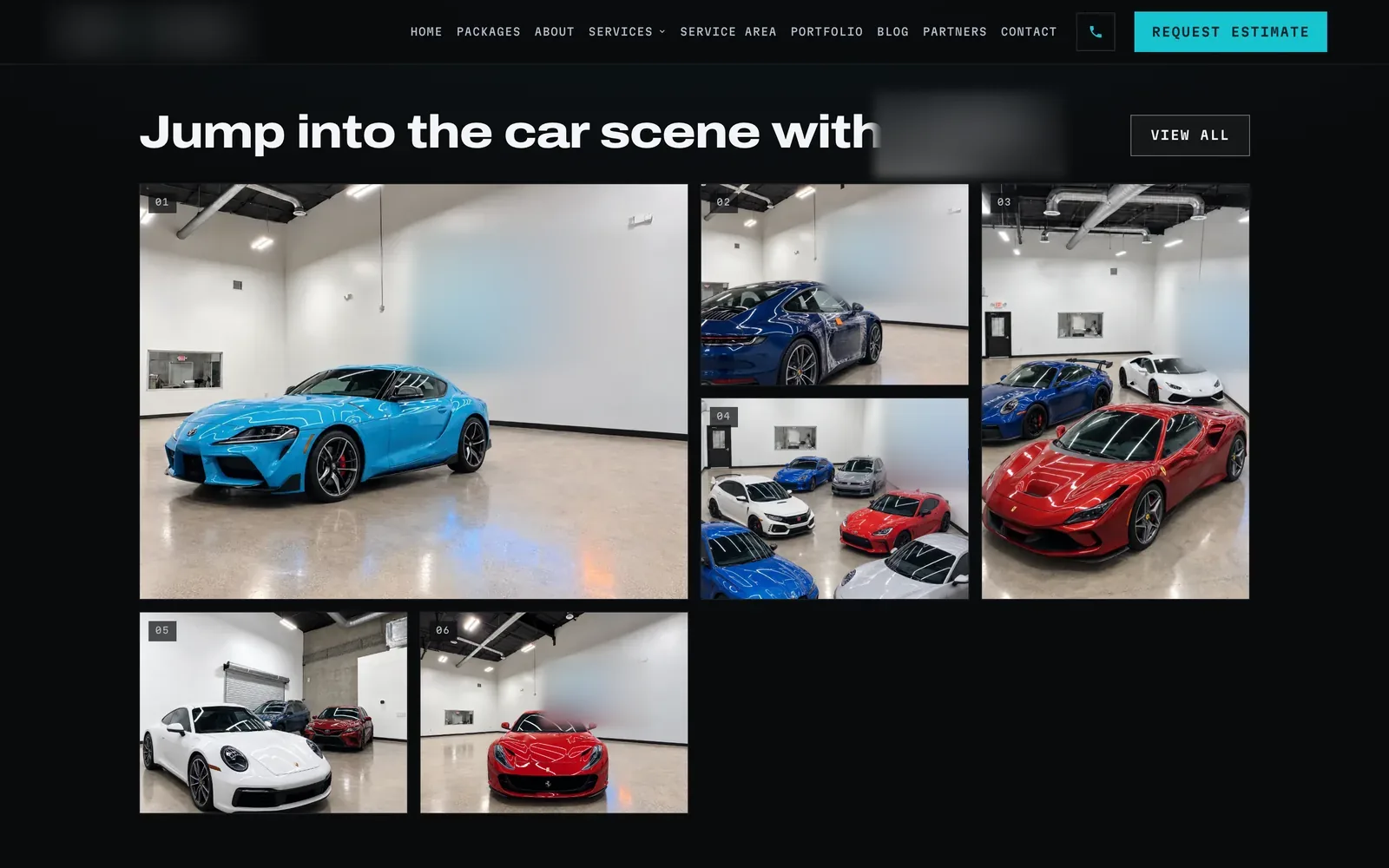
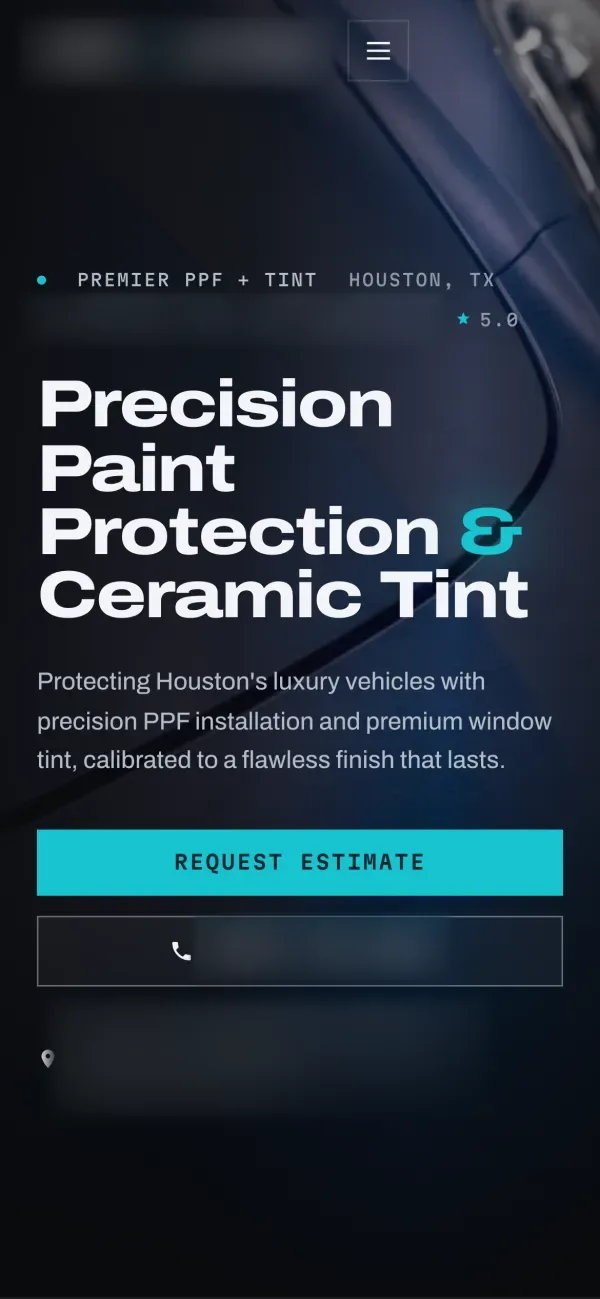
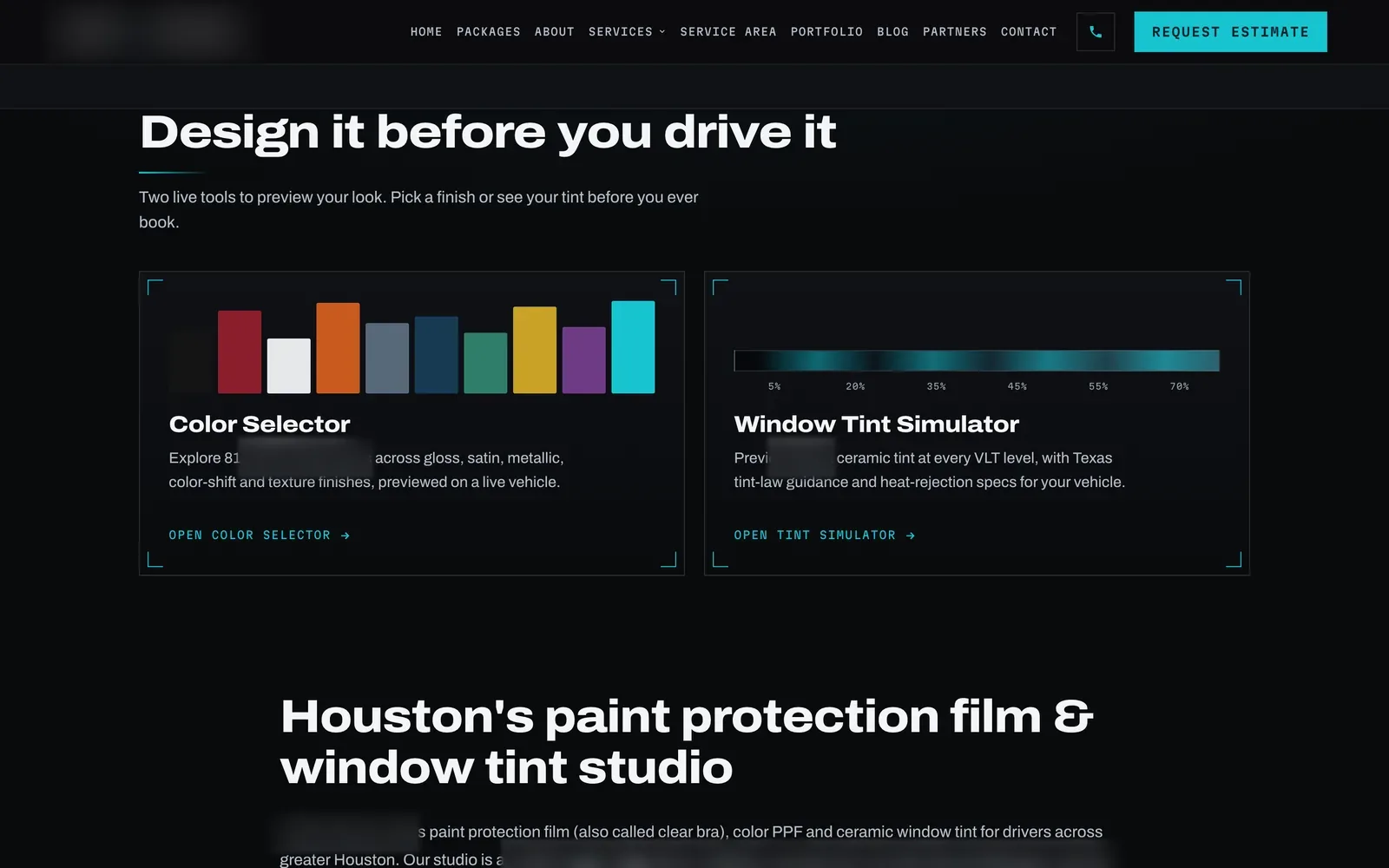
From estimate request to the CRM
A script on the site's server checks each estimate request for spam first. A real request goes to the shop CRM, the shop gets an email, and the customer gets a confirmation. Each email is logged, so nothing is assumed.
The CRM gets the vehicle and service with each request. That side is the kind of build we do in AI and software.
Two tools that answer questions before a call
The Color Selector and the Window Tint Simulator answer what a call can't: how will this color look, and how dark is this tint? Customers try them on their own time, then send a request knowing what they want.
The tint tool also says what Texas allows on the front side windows, so the legal question is answered first.
The ads, and what they are for
We made vertical video ads for Meta in two styles: spokesperson ads with a presenter, and cinematic ads built around one moment, like a rock chip in black paint. Most end by asking for a photo of the car or a price request.
Some ads show prices on screen. Read those as a snapshot, not an offer. Ads like these are part of our marketing work.
What it does for the owner
Every estimate request lands in one place with the car and the service on it. The shop hears about it by email right away, the customer gets a confirmation, and spam stays out. We have no measured result yet, so this page shows no counts.
The tools and ads do some explaining first, and every path ends in the same CRM.
What a person still decides
The system collects and sorts. A person does everything that needs judgment: quoting the car, recommending the film and coverage, checking a tint is legal, booking the install and answering every request. A person also approves every ad and sets the budget.
The only automatic message is the form's confirmation email. Every real answer comes from a person.
What we would do differently
Four lessons from running this setup at our own shop. Each one now goes into every client build from the start, so clients skip our mistakes.
- Build the spam gate right the first time. A browser timestamp is easy to fake, so we now use a one-time server token.
- Keep prices out of the video. A price burned into an ad dates it. Ad text is quick to edit.
- Put the form one tap closer. Test a short form right on the home page.
- Decide the numbers before launch. Track requests by source and time to first reply from day one.
Want this for your shop?
Book a free call. Bring how a customer reaches you today, and we'll show you what we would build.
Flat price in writing · You own what we build · Houston and about 50 minutes around