
Case studies: real systems and sites, shown with screenshots
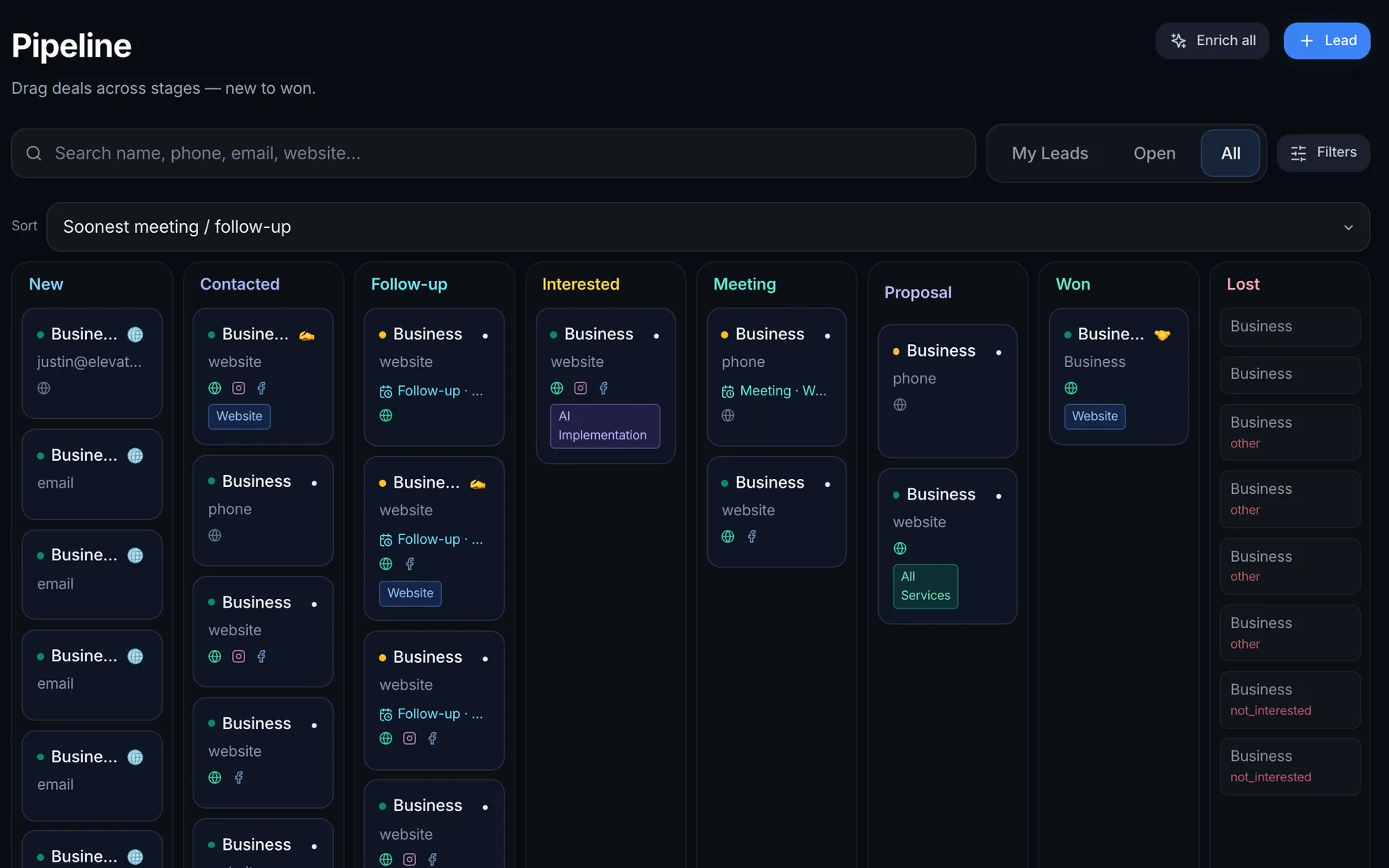
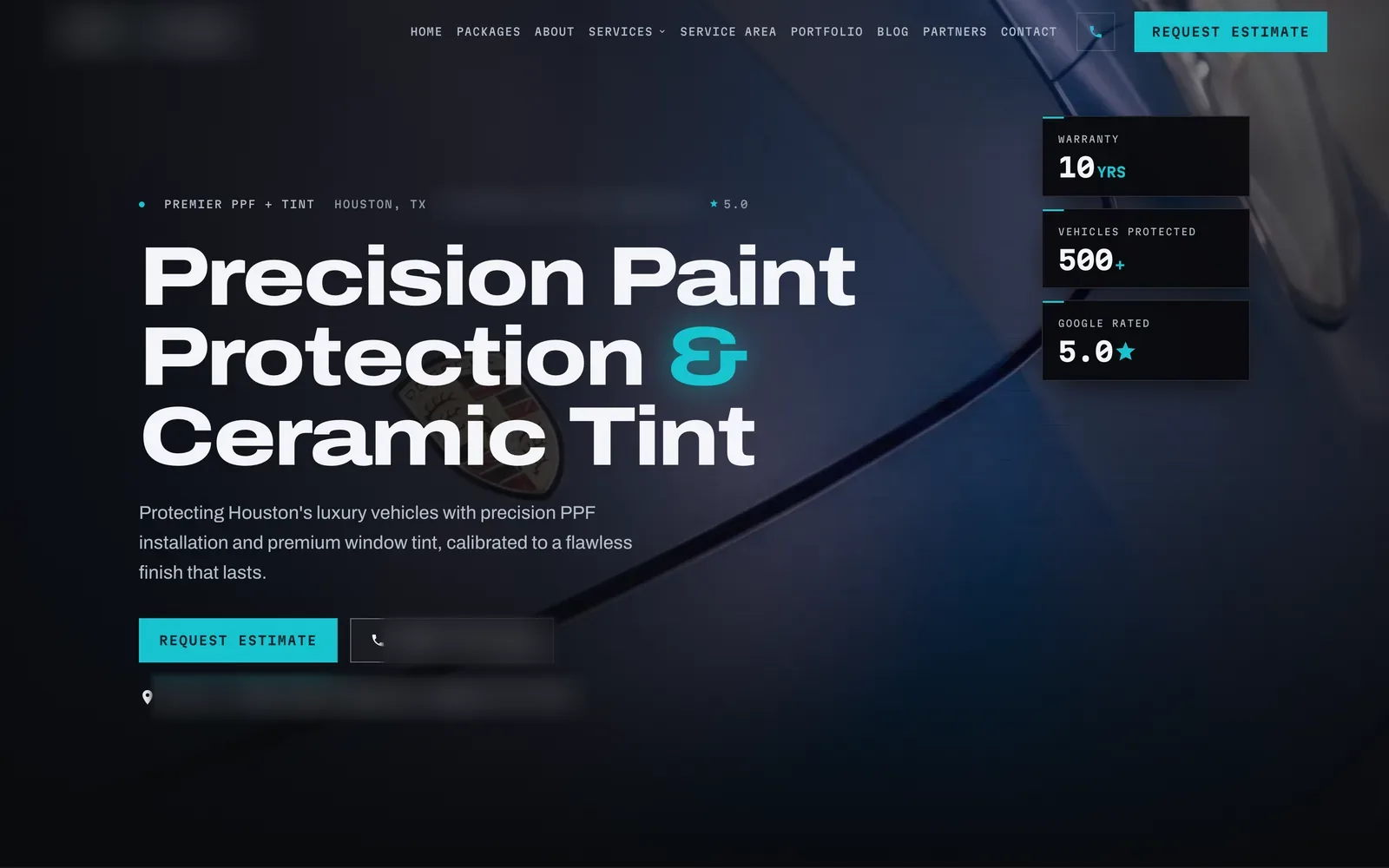
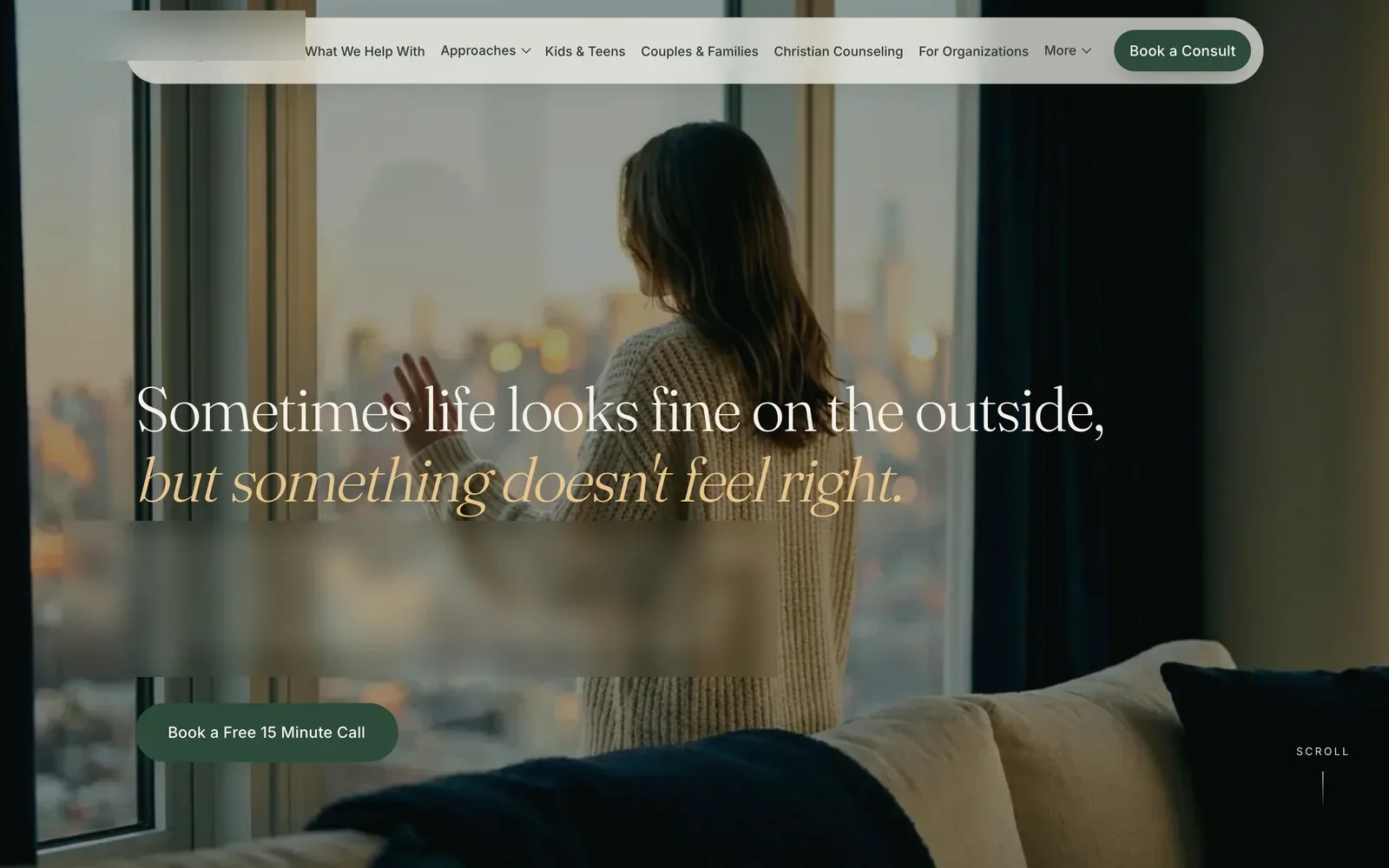
Five projects, all built by us and all real. Two are our own businesses, one is our own CRM, one is a client, and one is a private AI receptionist demo. Then six example builds, one per trade, drawn in code and labeled.
Five real projects, then six example builds for your trade.
- Screens
- Real captures, desktop and phone
- Private details
- Names hidden, counts hidden
- Results
- Only measured numbers, with dates
- Example builds
- Drawn in code, Example data
Five real projects, six example builds
Real projects open the full case: the problem, what we built and the real screens. Example builds are drawn in code with Example data, one per trade.
- TextsFrom a missed callMissed call from (555) 010-0142Hi, this is the automated assistant for Your Business Co. Sorry we missed your call. A person on our team reads every reply. How can we help?Hi. Are you open Saturdays? I was hoping to get in this week.We're open Monday to Friday, 8 AM to 6 PM, and closed on Saturdays. I can offer Thursday at 10:00 AM or Friday at 2:30 PM. Would either work?Thursday at 10 works.Booked: Thu 10:00 AM, added to the calendar
Example builds
Drawn in code with Example data, one per trade. Not client work: what we would build for yours.
- Pipeline9 open jobsBoardCalendarTextsNew3Dana K.Water heater leakTexted backLuis R.Slab leak checkWeb formKim P.Kitchen drain clogQuoted2Marcus T.Repipe, two bathsQuiet 3 daysAna G.Tankless installBooked2Priya S.Toilet swap, Thu 9:30 AMLuisSam R.Gas line check, Fri 1 PMDone2Chris W.Sewer cameraReview askedJo B.Faucet swap
- This weekMon to SunThis weekLast weekCalls142131 answeredMissed11All texted backJobs booked6418 from text-backTune-ups due38Texts go Monday
- Your roof projectPriya S.Where it standsInspectionDone Oct 14, 18 photosEstimateApproved Oct 16Insurance claimAdjuster visit Oct 22InstallTue, Nov 4 at 7:00 AMFinal walkAfter the installMessage your project leadReplies within the hour on workdays
- Book a visitStep 2 of 3TreatmentFree consult20 minHydrating facial60 minInjectables consult30 minLaser hair removal45 minThursday, Nov 69:00 AM10:30 AM1:00 PM3:30 PMBook Thu at 10:30 AMFree consult with a provider
- New client intakeStep 2 of 4How would you like to meet?In personVideoBest time of dayMorningsAfternoonsEveningsPrivate. Only your therapist sees your answers.ContinueNext: insurance or self-pay
- Get a quoteExample pricesVehicleSedanSUVTruckVanPackageWash and waxInterior resetFull detailCeramic coatingYour range: $210 to $260Example price. Book a time next.
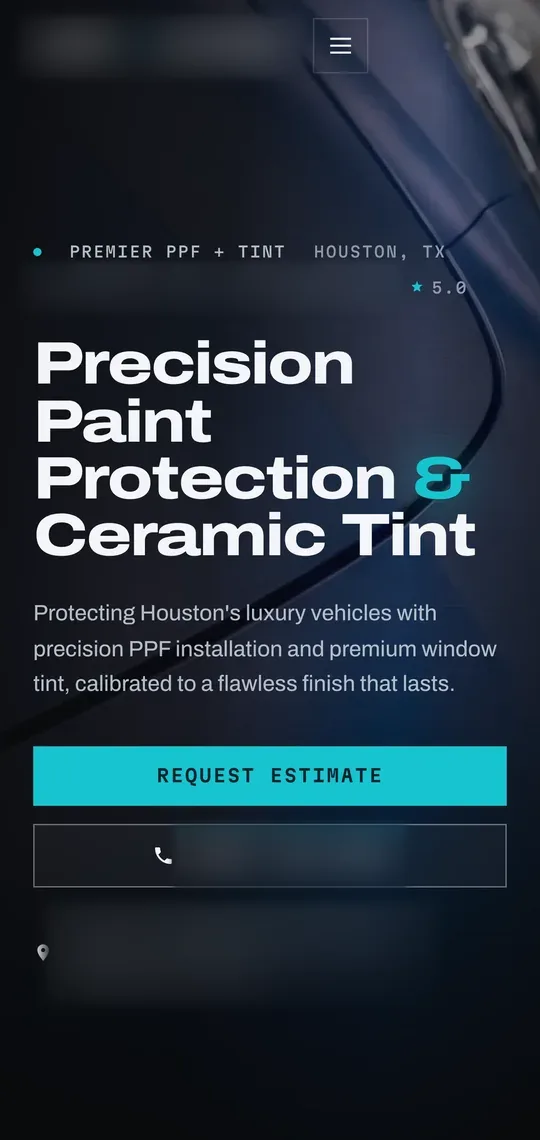


Why two of these are our own businesses
We test every system on our own money first.
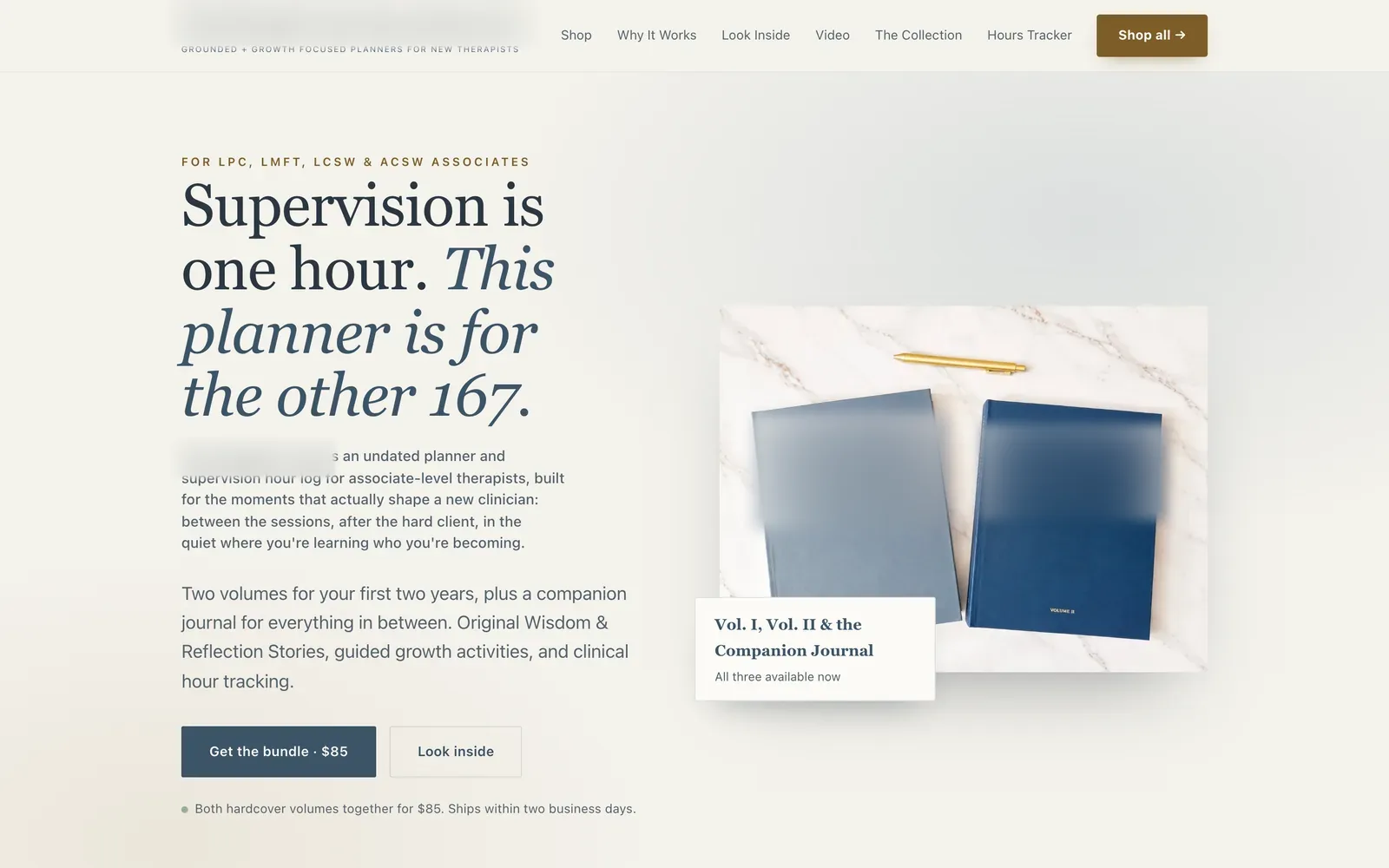
The Houston paint protection and tint shop is our own. So is the planner brand for new therapists. When something does not work, we find out there, before a client pays for it.
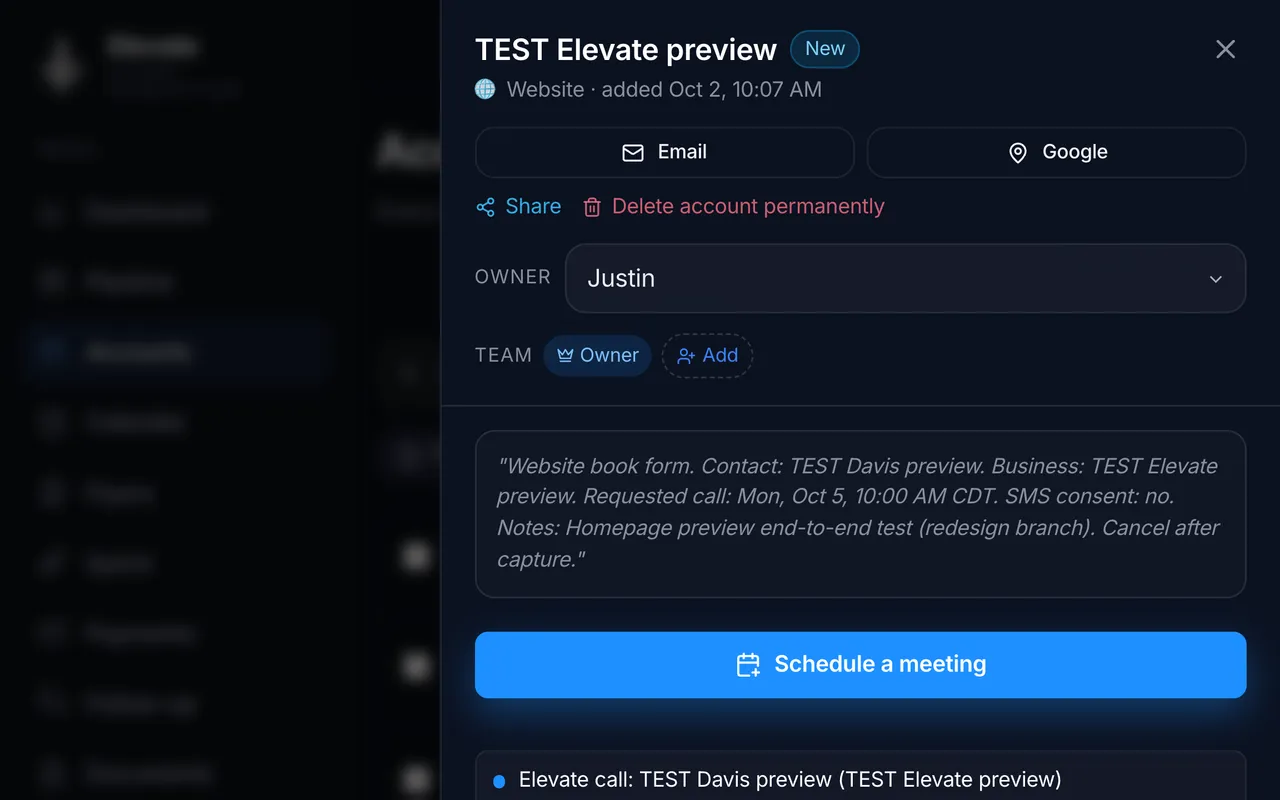
It also means we can show everything. The Elevate CRM is the system this site runs on: book a call here and you are using it.
What is real here, and what is hidden?
Every screen from a real project is a real capture, and nothing is mocked up to look busier than it is. Client names, logos, phone numbers, counts and money are hidden or blurred. The six example builds are drawn in code for made-up businesses with Example data, and they are labeled Example build.
- Names in the CRM screens were replaced before capture.
- Counts, money and chart lines are hidden.
- Business names stay hidden: each project is shown by its field. Names, logos, addresses and phone numbers in the project screens are blurred.
- The AI receptionist demo is private, so its page uses a labeled example.
- Ad prices inside the shop ads may be out of date. They are work, not offers.
What working with us looks like
Every project here started the same way.
- Day 1
A free 15 to 30 minute call
Tell us where it hurts and any ideas you already have.
- Next
We test it on our end
We work out what it takes to make it work, and how long it will take.
- Within days
Your plan, as a PDF
The scope, the goal, the next steps and the price, in writing.
- A day to two weeks
We build it
A day or two for small jobs, a week or two for bigger ones.
- Every month
We run it for you
Hosting, updates and any add-ons you want, month to month.
Questions about the work
Can I see one of these working live?
Yes. The booking page on this site runs on the Elevate CRM, so picking a time shows you that system. On a free call we can walk you through the live shop site, the planner store, the CRM and the AI receptionist demo together.
Why are there no client testimonials or result numbers?
Because we only publish what we can stand behind. We have no reviews to quote yet, and most of these systems are too new for a fair before and after. When a result is measured, it goes on the case with its dates. Until then, the real screens are the proof.
What is an Example build?
A set of screens we drew in code for a made-up business in one trade, filled with Example data. It shows what we would build for a business like yours. It is not a client project, and it shows no real results.
Will you build the same thing for my business?
Not the same thing. Each build is scoped to how your business works, but it starts from the same parts you see here, which is part of why the price stays flat. On the call we tell you which parts fit and what they would cost.
See them working on a call
A free 15 to 30 minute call. We walk you through these systems and tell you what yours would look like. A written plan with a price follows.
Flat price in writing · You own what we build · Houston and about 50 minutes around