
AI implementation and custom software for Houston small businesses
We put AI to work in your business and build the software around it: a CRM, booking, AI text-back for missed calls and an owner dashboard. A flat build price before we start, then a monthly price that keeps it running. You own all of it.
We build the AI and software your business runs on. You own it.
- Price
- Set on the free call
- Build time
- A day or two to a week or two
- You approve
- Everything before it goes live
- Who owns it
- You: the code, the data and the accounts
Everything we build
Each one has its own page with a demo you can try. Most owners start with one and add the next when it pays off.
Each one has its own page and a demo to try.
- AI receptionistMissed calls texted back and booked.
- Custom CRMEvery lead and job in one place.
- Dashboards and analyticsYour numbers on one screen.
- Lead and job trackingWhere every lead came from, where every job stands.
- Client portalsCustomers check status, approve and pay.
- Team portals and internal toolsDaily jobs, checklists and an AI helper for your team.
- Automations and integrationsYour tools pass the work along on their own.
Design your own software
Software built to your liking, not a template you bend to fit. Pick your trade and the parts you want, give it your name, and see how your own system could look. The rough size updates as you go.
Pick your trade and the parts you want, then see your own system.
Lead inbox and CRM
| Customer | Wants | Came from | Stage |
|---|---|---|---|
| Dana K. | Water heater leak | New | |
| Luis R. | Kitchen drain clog | Missed call | Quoted |
| Maya T. | Repipe estimate | Website | Booked |
| Chris B. | Slab leak check | Referral | Paid |
Bring this to the free 15 to 30 minute call. Once we know what you need, you get one flat price in writing before any work starts. You own what we build.
See it work.
Three small examples of what we build, running live. The business, the customer and every number are made up.
Three small examples, running live.
- Tap Replay to run it againExample dataDana K.713-555-0142
- Missed call, 6:42 PM
- Hi Dana, this is the assistant at Your Plumbing Co. (automated). Sorry we missed your call. What can we help with?
- No hot water since this morning. Can someone come out tomorrow?
- We can. Open times: Tue 10:00 AM, Tue 2:30 PM or Wed 8:00 AM. Which works?
- Tue 10 works.
- Booked for Tue 10:00 AM. Reply here if you need to move it.
CRM · New leadDana K. · Water heater repair Booked Tue 10:00 AMSource: missed callMissed call to booked job
Every missed call gets a text back in the same minute, and the booking lands in your CRM.
- Texts back in the same minute, from your number.
- Offers real open times from your calendar.
- Drops the booking into your CRM.
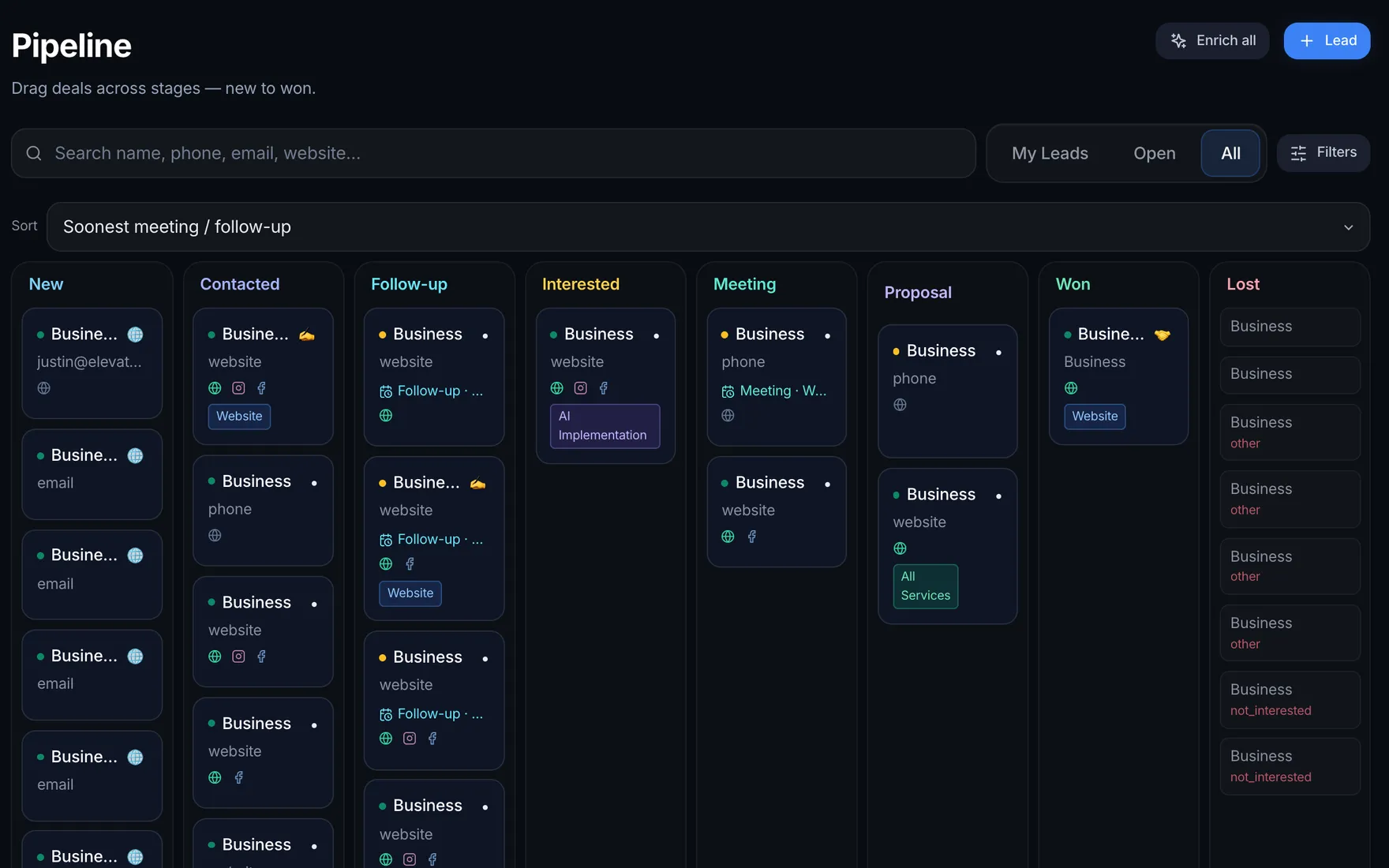
- Drag a job to the next stageTap the arrows to move a jobExample data
New
- Dana K.Water heater$1,450
- Marcus T.Drain clog$220
Quoted
- Priya S.Leak repair$380
Scheduled
- Leo R.Toilet install$540
Paid
- Ana G.Faucet swap$260
Open $2,590Paid $260
Job board
Every job in one place. Drag it along as it moves, from first call to paid.
- Every job from first call to paid.
- Drag a card along as the job moves.
- Open and paid totals add up as you go.
- Tap Last week to compareExample dataYour Plumbing Co.This week
- Leads
- 14
- Avg. first reply
- 42 sec
- Booked
- 9
- Pipeline
- $6,840
Leads by day Owner dashboard
Your week on one screen, without anyone building a report.
- Leads, reply speed, bookings and pipeline.
- Read straight from your CRM.
- Nobody builds a report by hand.
The four we build most
Start with one. Each one is priced on the free call, and you get the time frame in writing first.
Start with one. Priced on the free call.
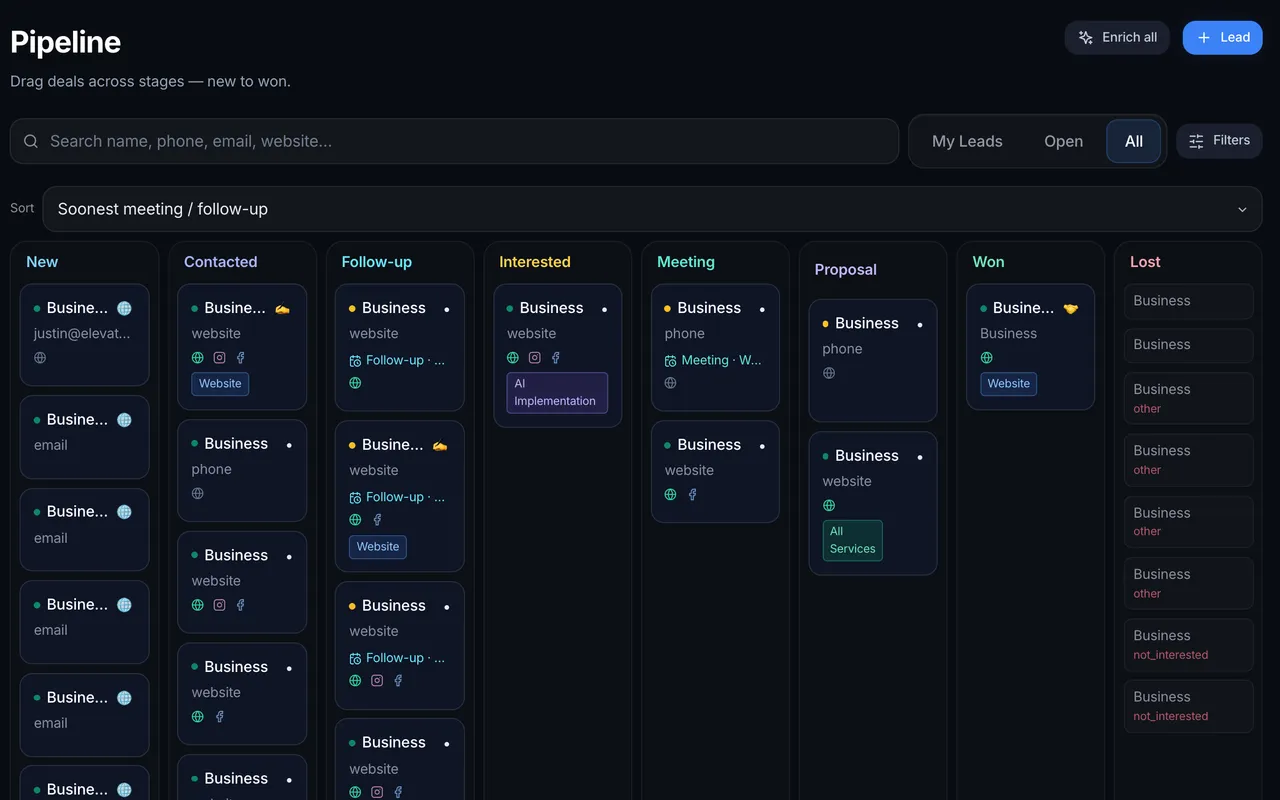
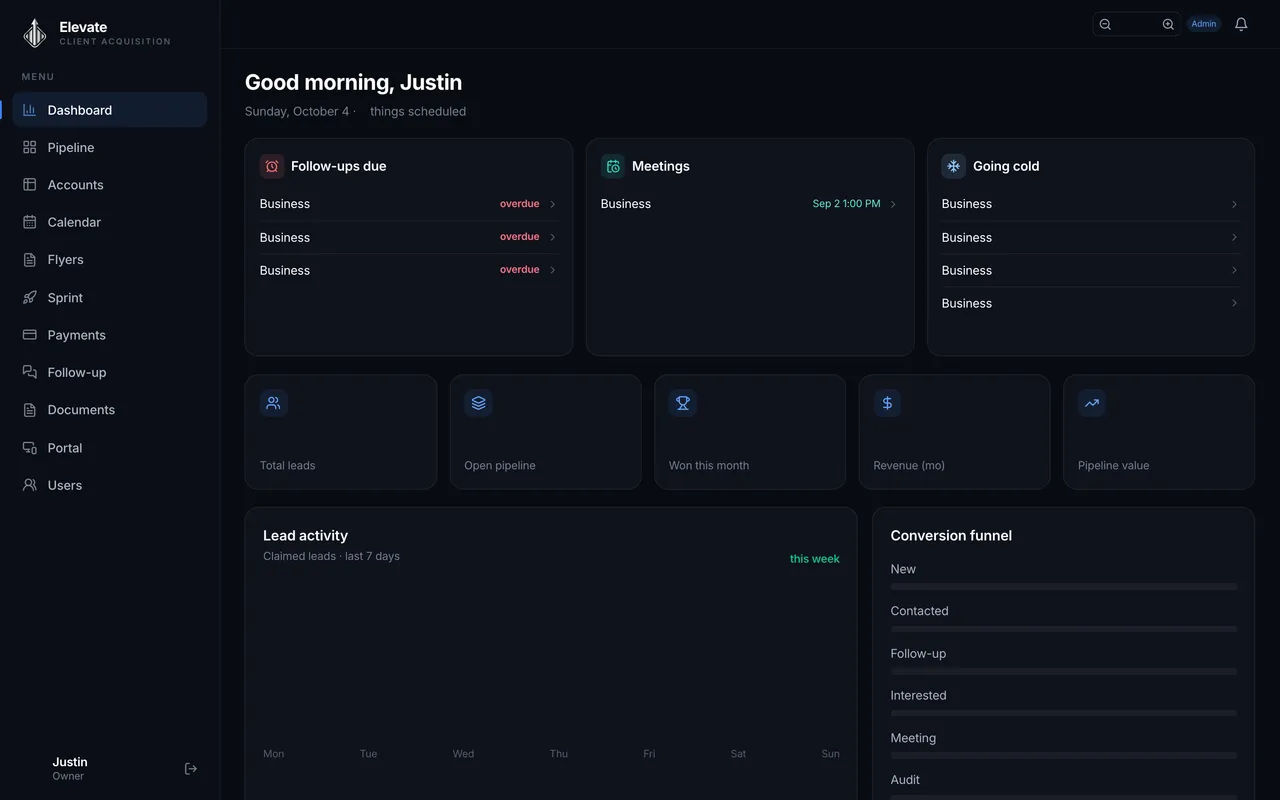
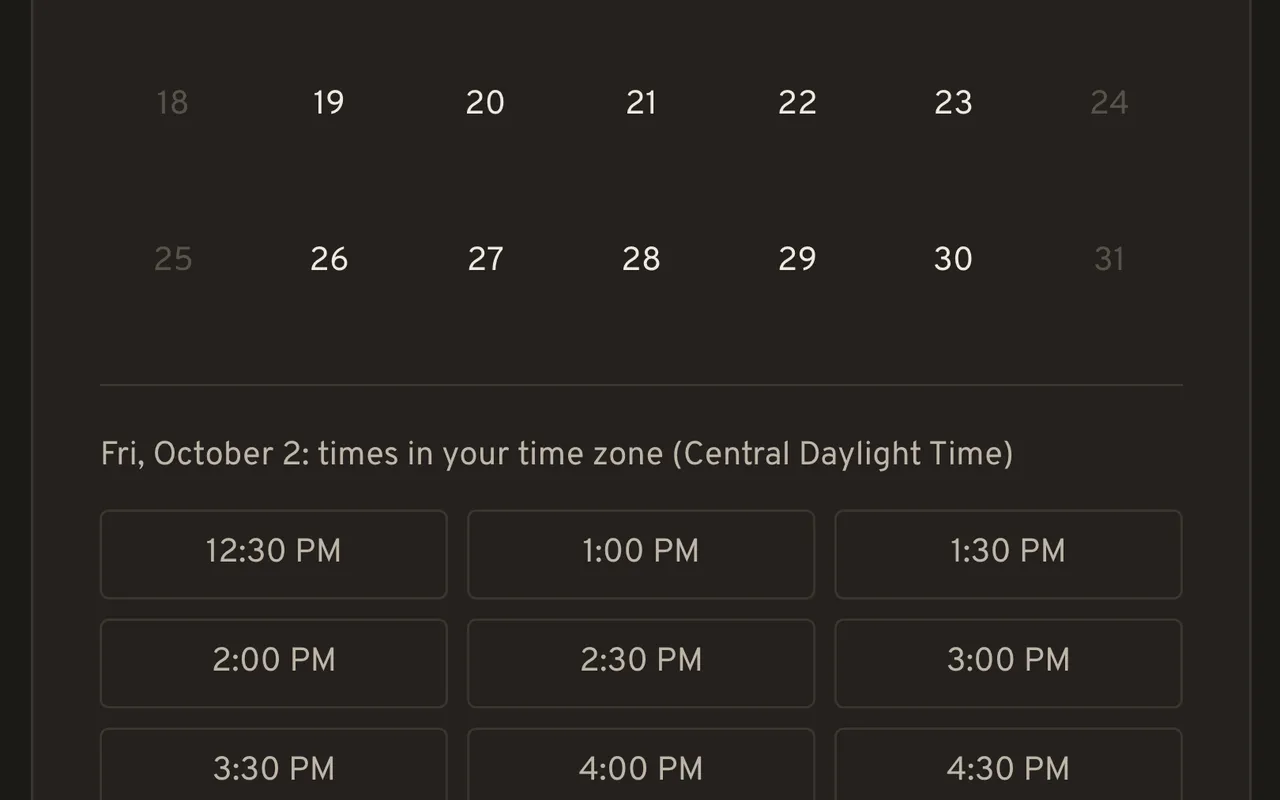
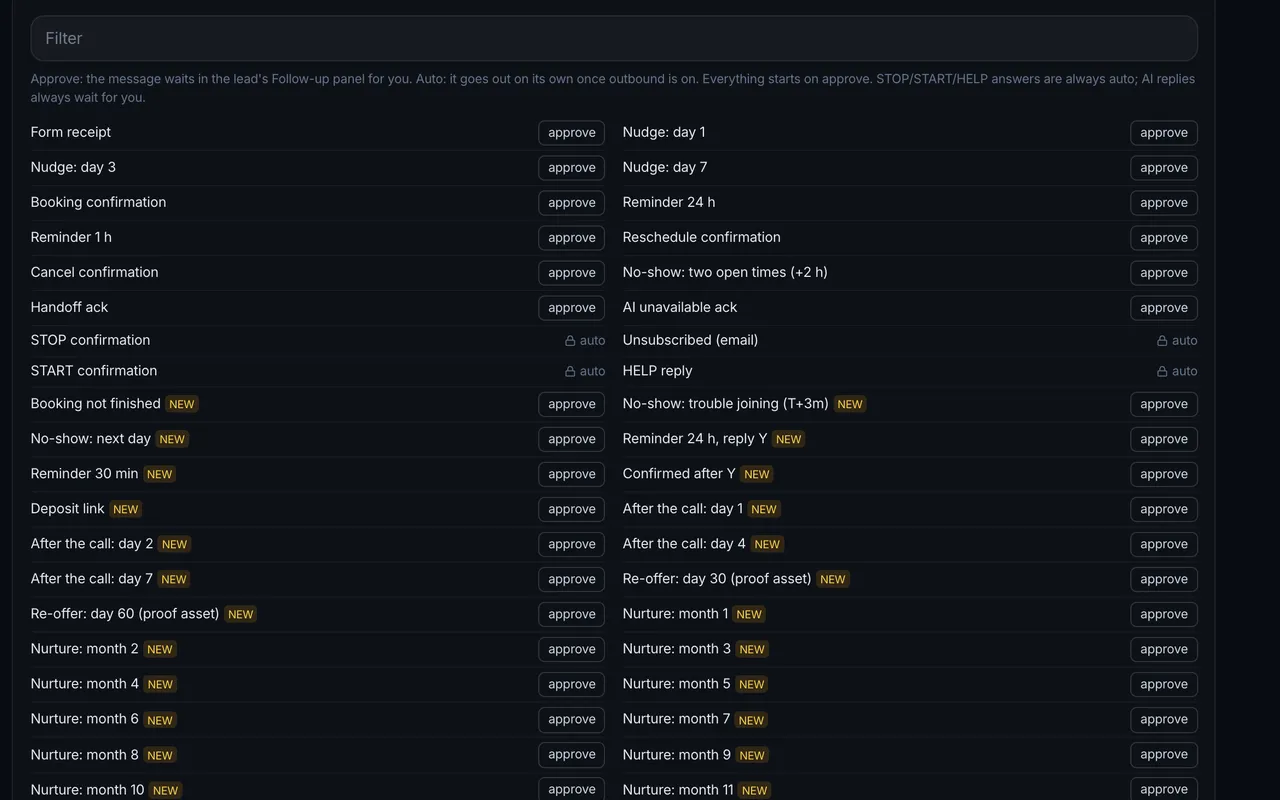
You get, with the custom crm
- Every lead in one place, with where it came from.
- A pipeline with your own stages.
- A next step and a reminder on every lead.
- Booked calls on the record they belong to.
Should you rent a tool or own a build?
Rent when a ready-made tool already fits how you work and few people use it. Own a build when per-seat bills keep growing, your team works around the tool, or leads come in from several places. Both cost something every month. With a build, you own the system and one monthly price keeps it running.
Numbers are what a Houston owner sees when searching for these tools, not ours. Custom CRM cost guides from development firms quote $25,000 to $60,000 to build one.
You see everything. A person decides.
Every message is saved on the customer's record as a full transcript. Replies start in approval mode, so nothing goes out until you say so.
Every message is saved. Nothing goes out until you say so.
What the AI handles
- Drafts replies from the facts you give us.
- Sorts new leads and files where they came from.
- Offers real open times and books them.
- Queues reminders and follow-ups on your dates.
What always goes to a person
- Price questions.
- Complaints.
- Legal questions.
- Anyone who asks "is this a bot?"
- Any message type you have not switched to auto.
Texting with consent
- Texts go out from your own registered business number.
- Only to people who opted in.
- Reply STOP and they are stopped on every channel.
- Until the line is approved, follow-up runs on email.
When an off-the-shelf tool is enough
Sometimes you do not need us to build anything. We will say so on the free call.
Buy a ready-made tool when
- Your process looks like the tool's default.
- Callers mostly want hours, location or a time.
- Someone on your team will keep it current.
- A small team with simple needs.
A build makes sense when
- Your work does not fit a standard pipeline.
- Your team already gave up on a CRM.
- Leads come from several places into one list.
- You would rather own it than rent it seat by seat.
How a build runs
From the free call to a system we run for you. The dates go in your PDF plan before you say yes.
From the free call to a system we run for you.
- Day 1
A free 15 to 30 minute call
Tell us where it hurts and any ideas you already have.
- Next
We test it on our end
We work out what it takes to make it work, and how long it will take.
- Within days
Your plan, as a PDF
The scope, the goal, the next steps and the price, in writing.
- A day to two weeks
We build it
A day or two for small jobs, a week or two for bigger ones.
- Every month
We run it for you
Hosting, updates and any add-ons you want, month to month.
What we need from you
- A walk through how a lead reaches you today.
- Invites to your calendar, email and phone line.
- The facts the AI may draft from: services, hours, area.
- Your records, if you have them, so customers move over.
- Your wording: how you greet people and what you never say.
- Quick answers during short check-ins.
How a build is priced
Every build is priced on a free 15 to 30 minute call, once we know what it needs to do and connect to. You get one flat price in writing before any work starts. See how pricing works.
Priced on the free call. One flat price in writing before any work starts.
- One flat price, agreed in writing first
- No hourly meter and no estimate that grows
- No per-seat fees for your team
- You own the code, the data and the accounts
Systems we built and use
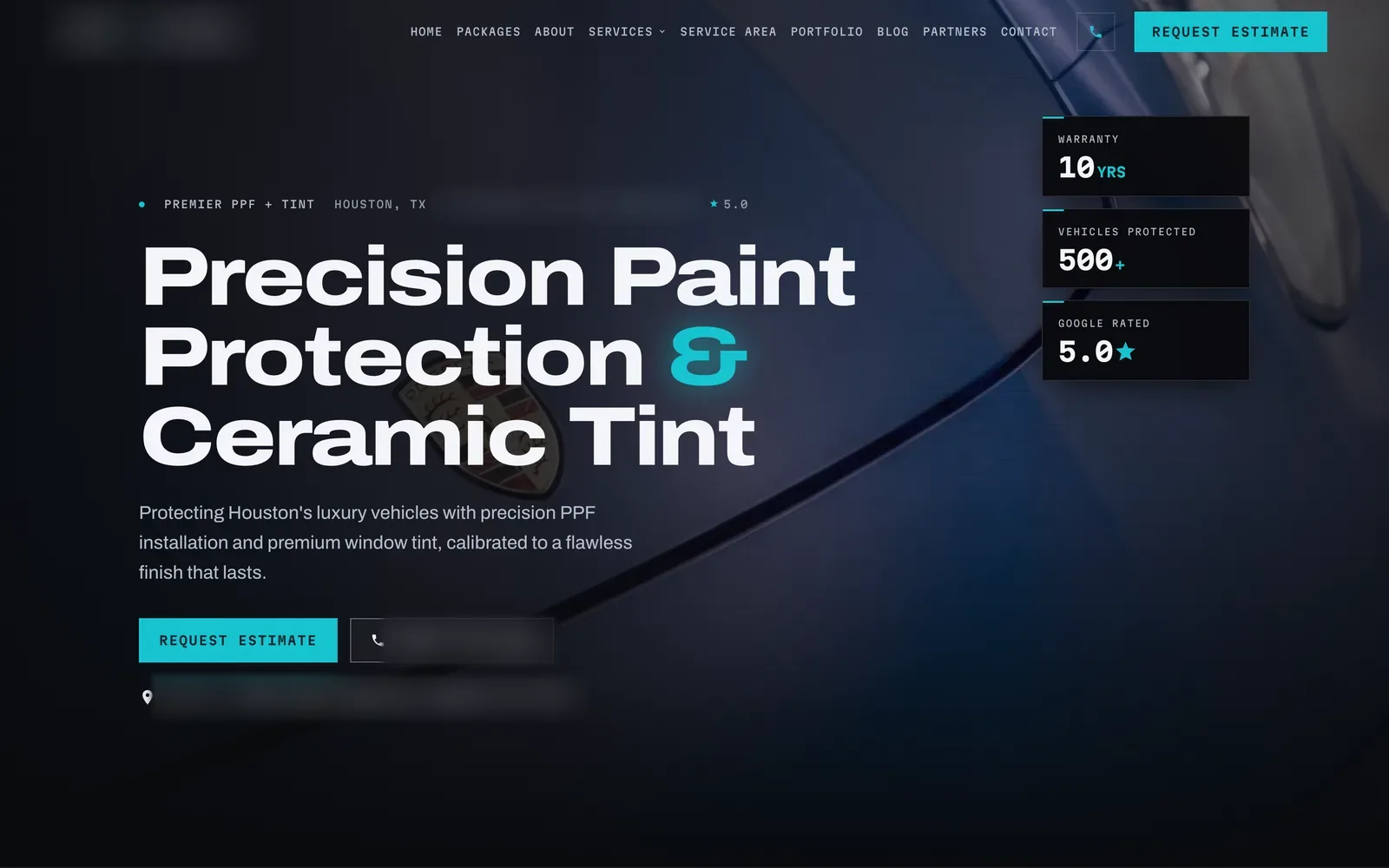
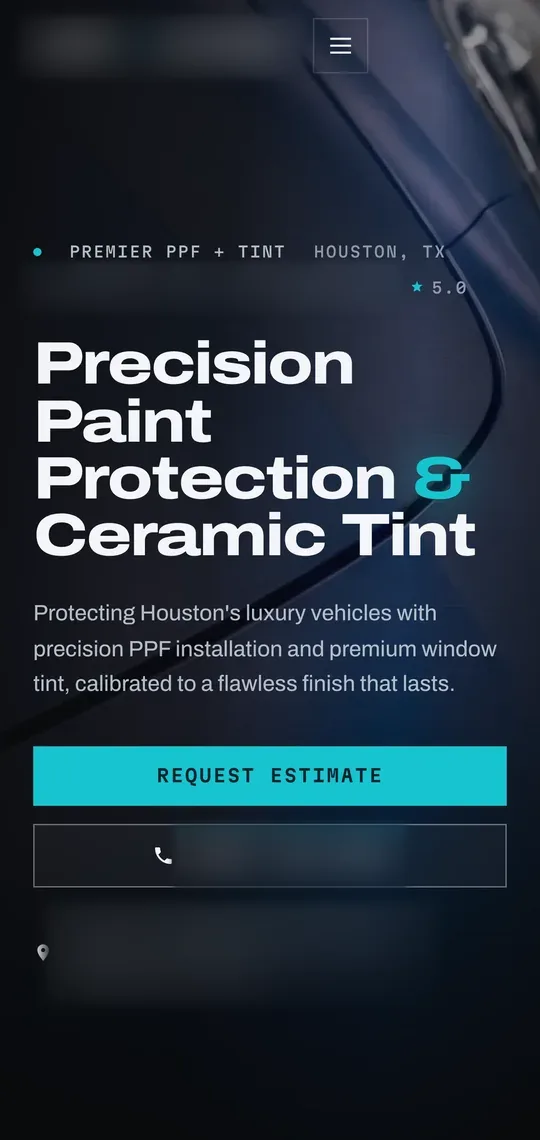
Elevate runs on a CRM we built. The Houston tint and PPF shop is our own. The AI receptionist case shows a labeled example conversation.
Our own CRM, our own shop and an example AI receptionist.
- TextsFrom a missed callMissed call from (555) 010-0142Hi, this is the automated assistant for Your Business Co. Sorry we missed your call. A person on our team reads every reply. How can we help?Hi. Are you open Saturdays? I was hoping to get in this week.We're open Monday to Friday, 8 AM to 6 PM, and closed on Saturdays. I can offer Thursday at 10:00 AM or Friday at 2:30 PM. Would either work?Thursday at 10 works.Booked: Thu 10:00 AM, added to the calendar
Questions about AI and custom software
How much does a custom CRM or AI system cost?
Every build is priced on a free 15 to 30 minute call. The price depends on what it does and how many tools it connects to, and Justin sets one flat price after he sees that. You get it in writing before any work starts. There are no per-seat fees to us, so adding people to your team does not change what you pay.
Are there monthly costs after the build?
Yes, a flat monthly price, set in writing with the build. It covers hosting, AI usage, upkeep, updates and support, so the system keeps running and stays current. If your system texts, the texting line is in your business's name and listed in the written scope with who pays it. New features later are scoped and priced in writing first.
Who owns the system once it is built?
You do. Once it is paid for, the code, the data and the accounts it runs on are in your name, and any developer can work on it later. If any of our own ready-made parts are inside it, you get a permanent license to keep using them in your business. Ownership is written into the scope before work starts.
What happens if we stop working with you?
You keep what we built. The code, the customer records and the accounts are already yours, so nothing has to be handed back, and another developer can pick it up from there. Hosting, AI usage, upkeep and support are what the monthly price pays for, so plan who covers those before you switch.
Does the AI talk to my customers without me?
Not until you say so. Every message type starts in approval mode: the AI drafts, and you approve or edit from your phone. You switch a type to automatic only when you trust it. Price questions, complaints, legal questions and anyone asking whether it is a bot always go to a person, and every message is saved as a full transcript.
What tools does it connect to?
The ones you already use, like your calendar, email, phone line, payment links and the software you run jobs in. On the call, Justin asks where each piece of information lives today. Exactly what it connects to is written into the scope before work starts. Texts go out only from your own registered business number, to people who opted in.
How long does it take?
A day or two for small jobs, a week or two for bigger ones. A build that connects to several tools takes longer. Either way, the dates go in your PDF plan with the price, so you know them before you approve anything. If you are working toward a busy season or a new hire, bring that date to the call.
Do you work hourly?
No. Every build has one flat price, agreed in writing before work starts, so the bill does not grow while we work. The monthly price is flat too. If you want something added later, it is scoped and priced the same way, in writing first. You always know what something costs before you say yes to it.
Where do you work?
We are one Houston team and work with small businesses in Houston and about 50 minutes around it. Justin is the person you talk to, from the first call to launch. You watch the build come together on a link you can open on your phone, so you can check progress between jobs.
Tell us what keeps slipping through
Book a free call with Justin. Bring how a lead reaches you today, and leave knowing what we would build first.
Flat price in writing · You own what we build · Houston and about 50 minutes around